Creating a Survey Banner
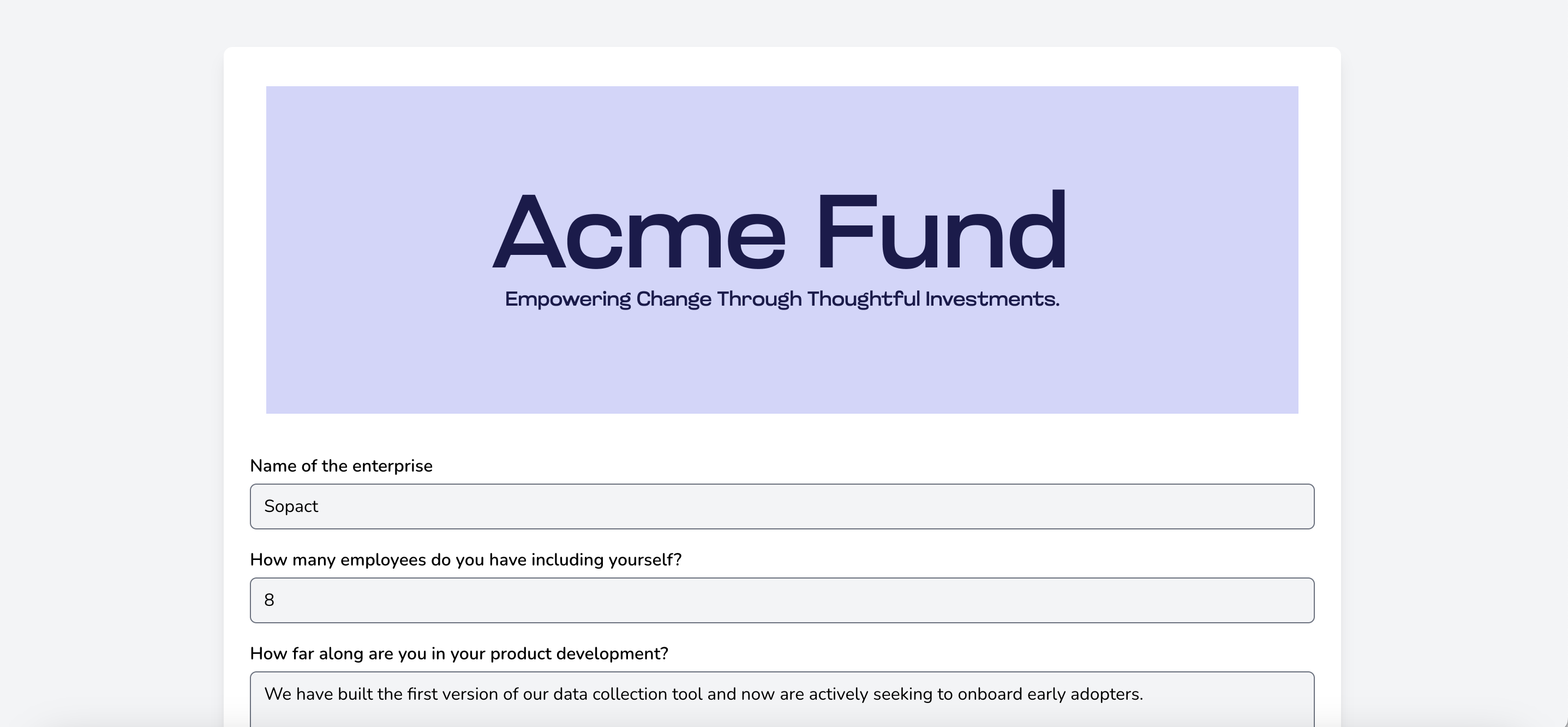
You may customize the look and feel of your survey by adding a survey banner or a title to your survey. An example survey banner:
Lets take a look at how to accomplish this.
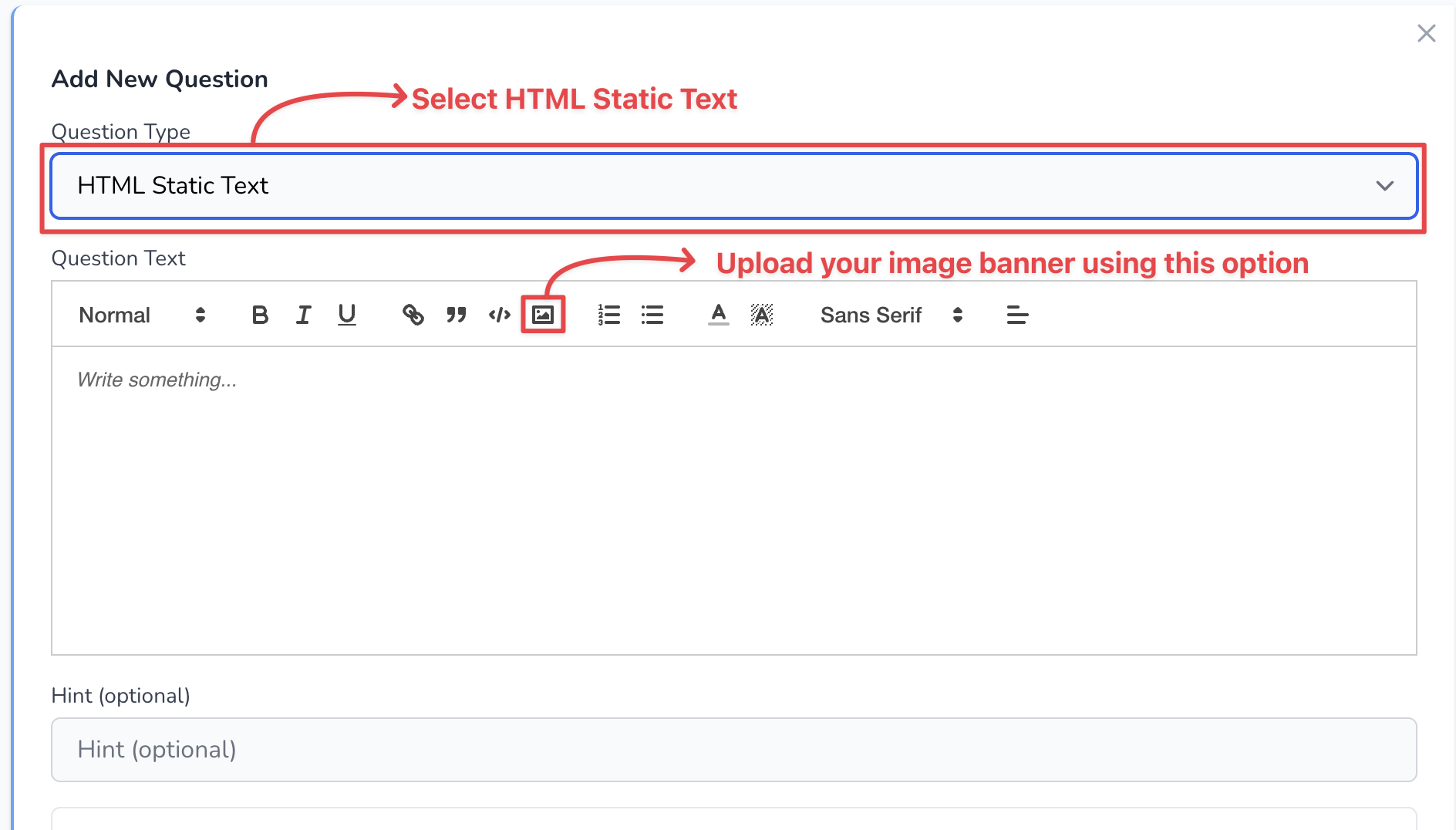
1. On your survey, create a question of type HTML Static Text, like so
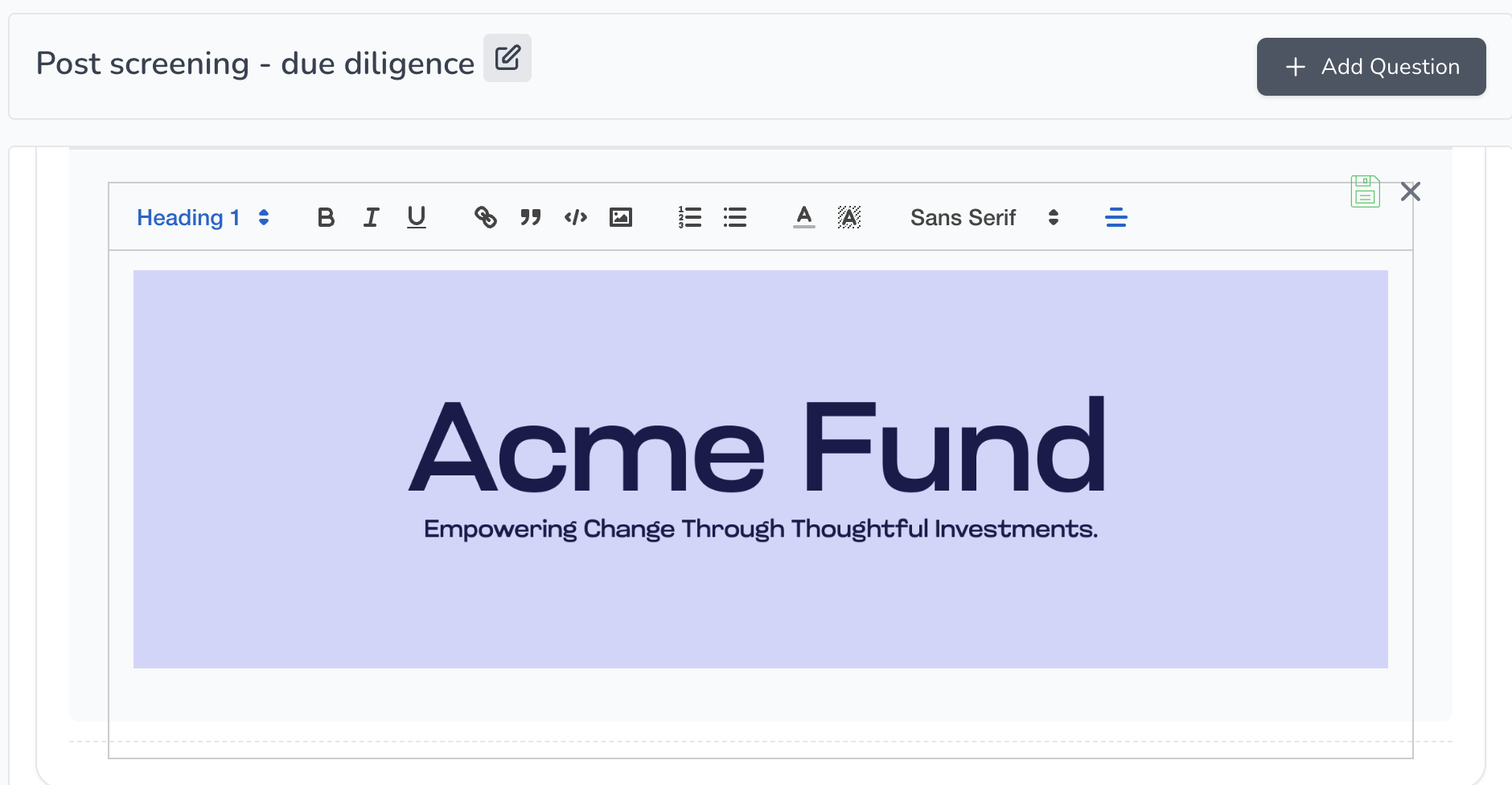
2. Once you upload your image, it might look something like this
Note
Banner image size is very important for the look and feel to be ideal. Please use 1892x600 size for best results.
3. Formatting text
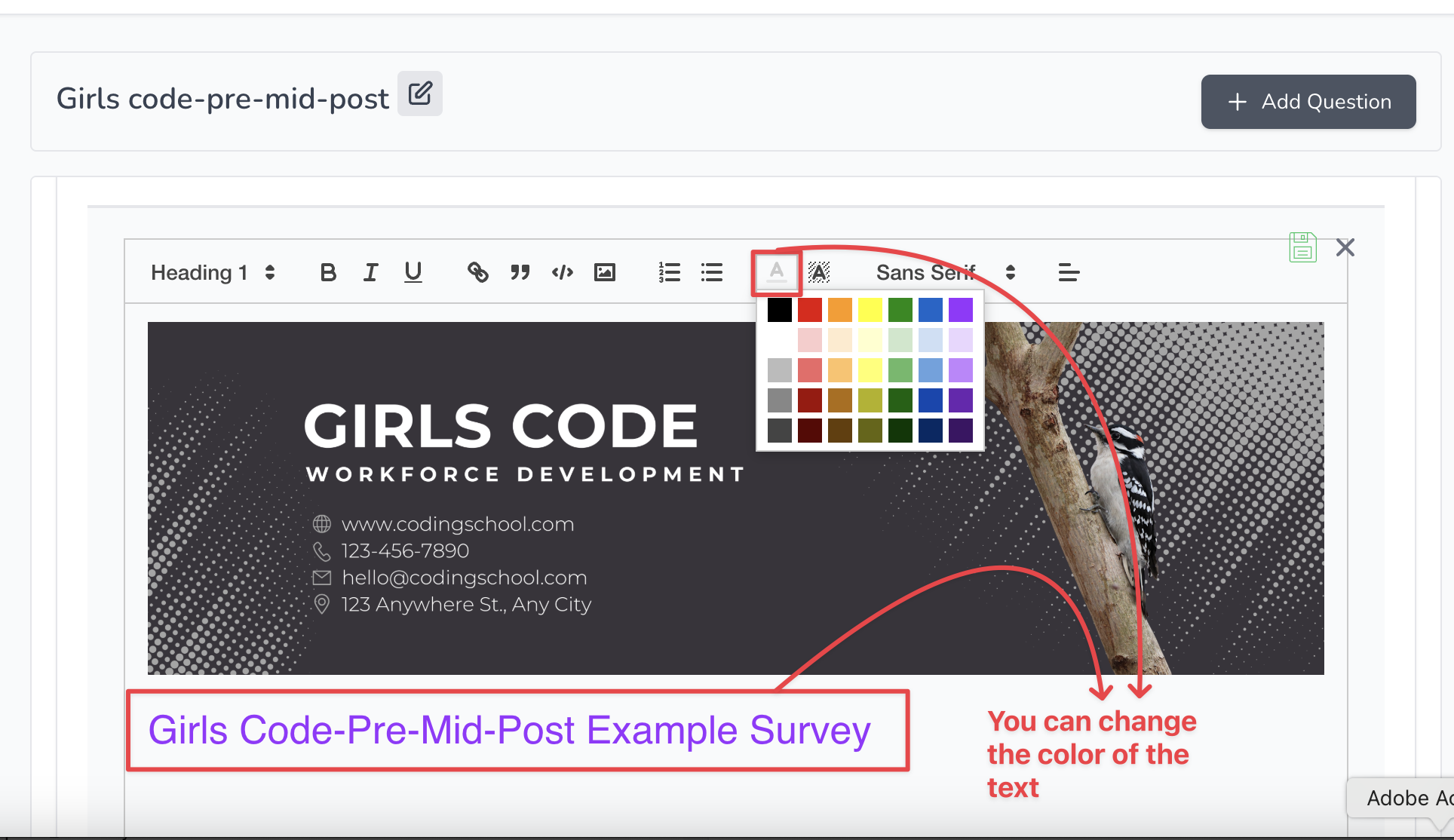
You can also change the look and feel of the text you type.
For example, you could change the color and font: